Home / Canon G3200 All-In-One Wireless Supertank (MegaTank) Printer| Copier| Scanner| and Mobile Printing
  • Canon G3200 All-In-One Wireless Supertank (MegaTank) Printer| Copier| Scanner| and Mobile Printing
  • Canon G3200 All-In-One Wireless Supertank (MegaTank) Printer| Copier| Scanner| and Mobile Printing
  • Canon G3200 All-In-One Wireless Supertank (MegaTank) Printer| Copier| Scanner| and Mobile Printing
  • Canon G3200 All-In-One Wireless Supertank (MegaTank) Printer| Copier| Scanner| and Mobile Printing
  • Canon G3200 All-In-One Wireless Supertank (MegaTank) Printer| Copier| Scanner| and Mobile Printing
  • Canon G3200 All-In-One Wireless Supertank (MegaTank) Printer| Copier| Scanner| and Mobile Printing
  • Canon G3200 All-In-One Wireless Supertank (MegaTank) Printer| Copier| Scanner| and Mobile Printing

Canon G3200 All-In-One Wireless Supertank (MegaTank) Printer| Copier| Scanner| and Mobile Printing
$35.64
Quantity
ADD TO CART
BUY IT NOW
  • Detail

    From the manufacturer

    cANON SUPERTANK

    Canon Supertank

    What is a Megatank?

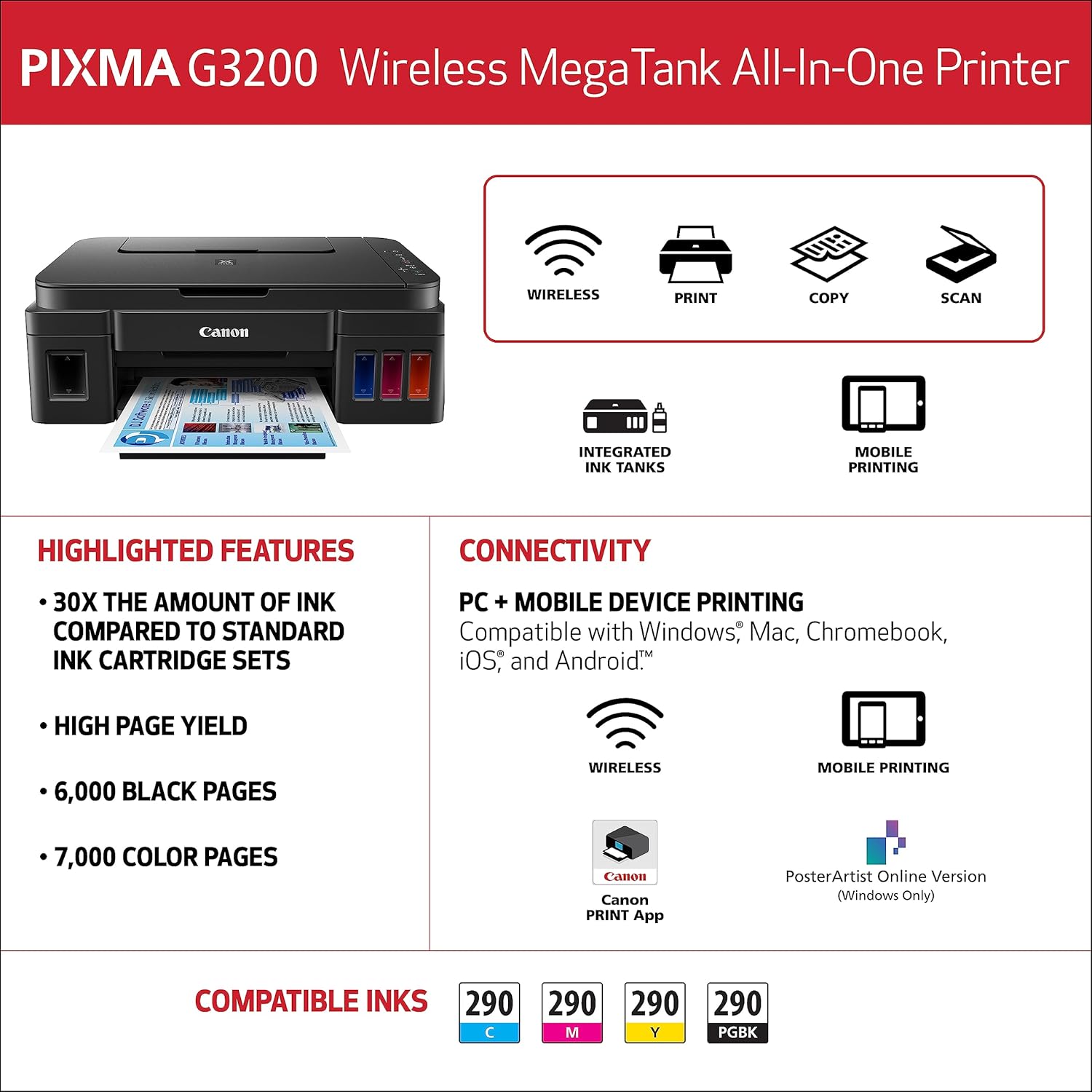
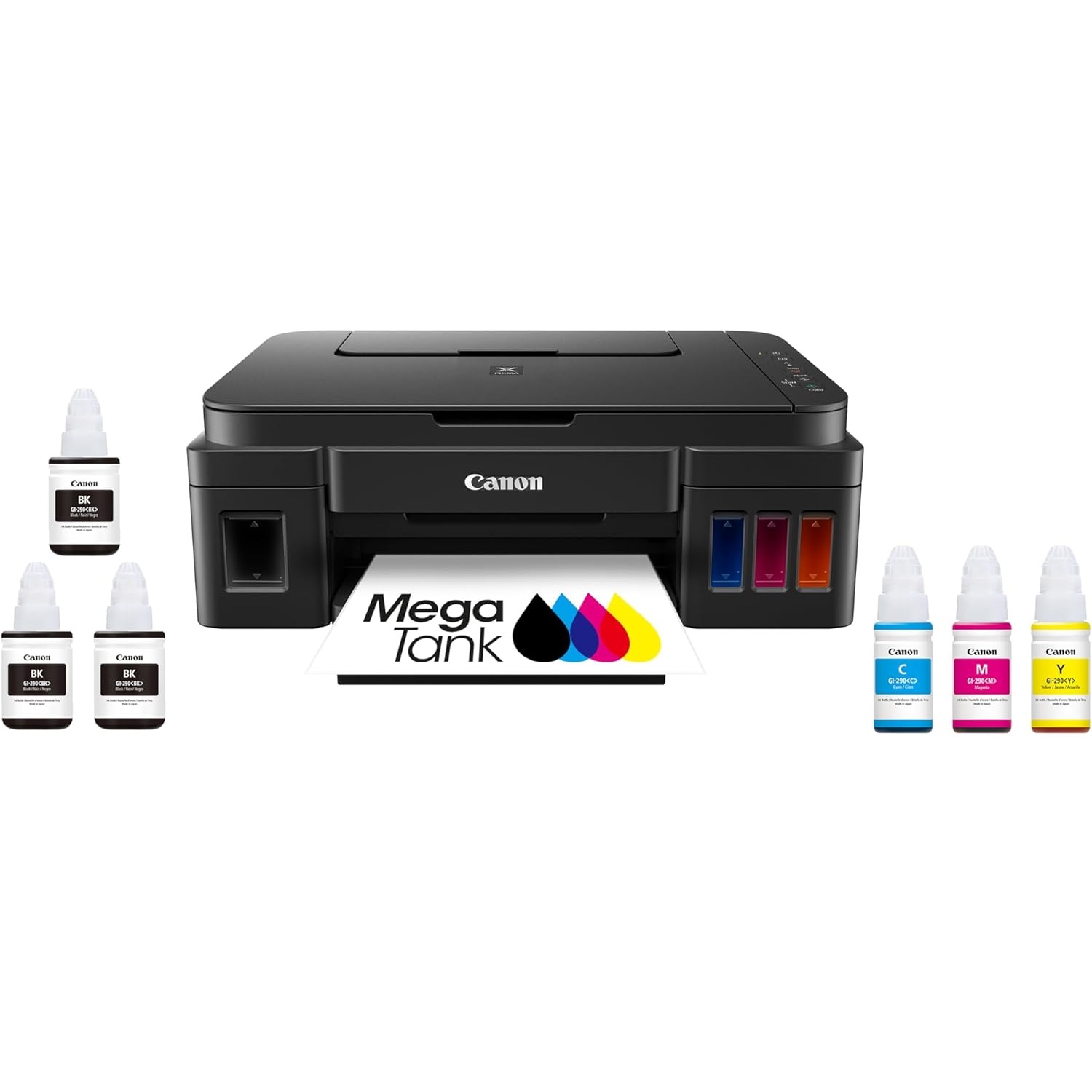
    · An inkjet printer that uses a continuous ink supply system to deliver sustainable, high quality, cost-effective prints.

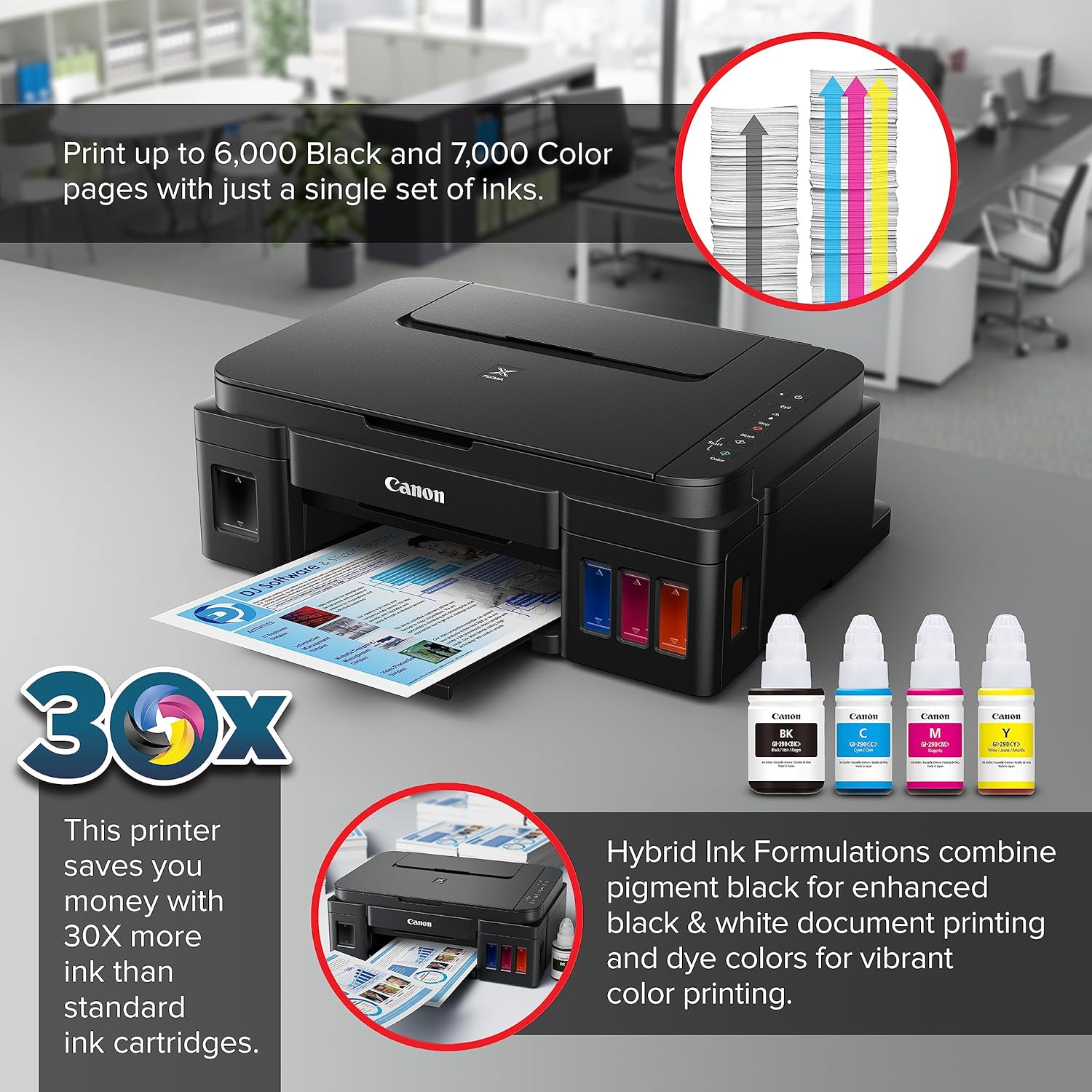
    · Design to last as long as 30 conventional ink cartridge sets.(2)

    · Can print up to 6,000 x 3 crisp black pages / 7,000 magnificent color pages.(1)

    RETHINK THE WAY YOU PRINT WITH CONTINUOUS INK

    Wireless - Print l Copy l Scan

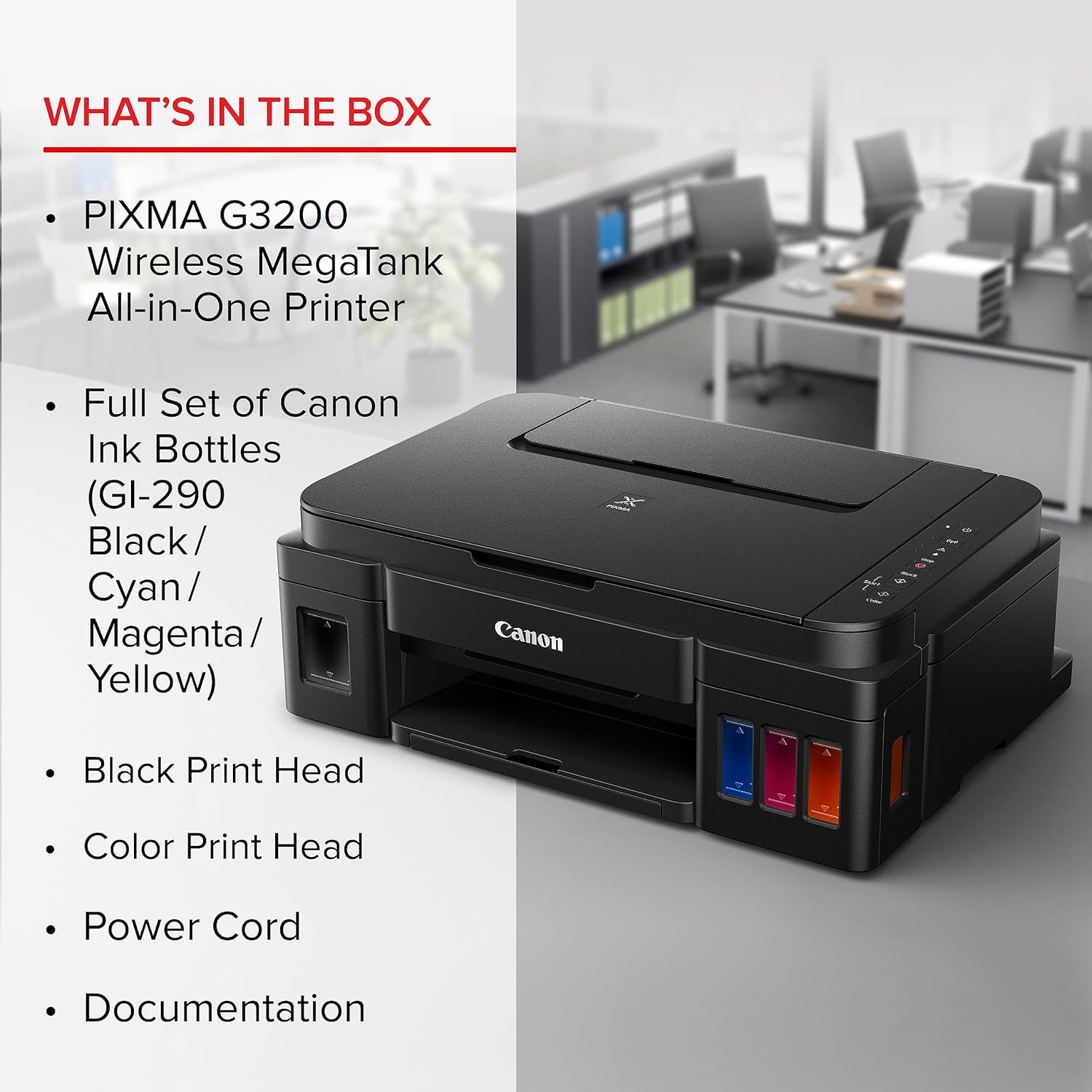
    Introducing the Canon PIXMA G3200/G3202 Wireless MegaTank All-In-One Printer–the perfect printer for people who print a lot and copy a lot. The MegaTank ink reservoir system allows it to print up to 6,000 crisp black pages / 7,000 magnificent color pages(1) from one set of replacement inks bottles. Plus, you can print on the go with your compatible mobile device.

    Canon Supertank

    Integrated Ink Tanks

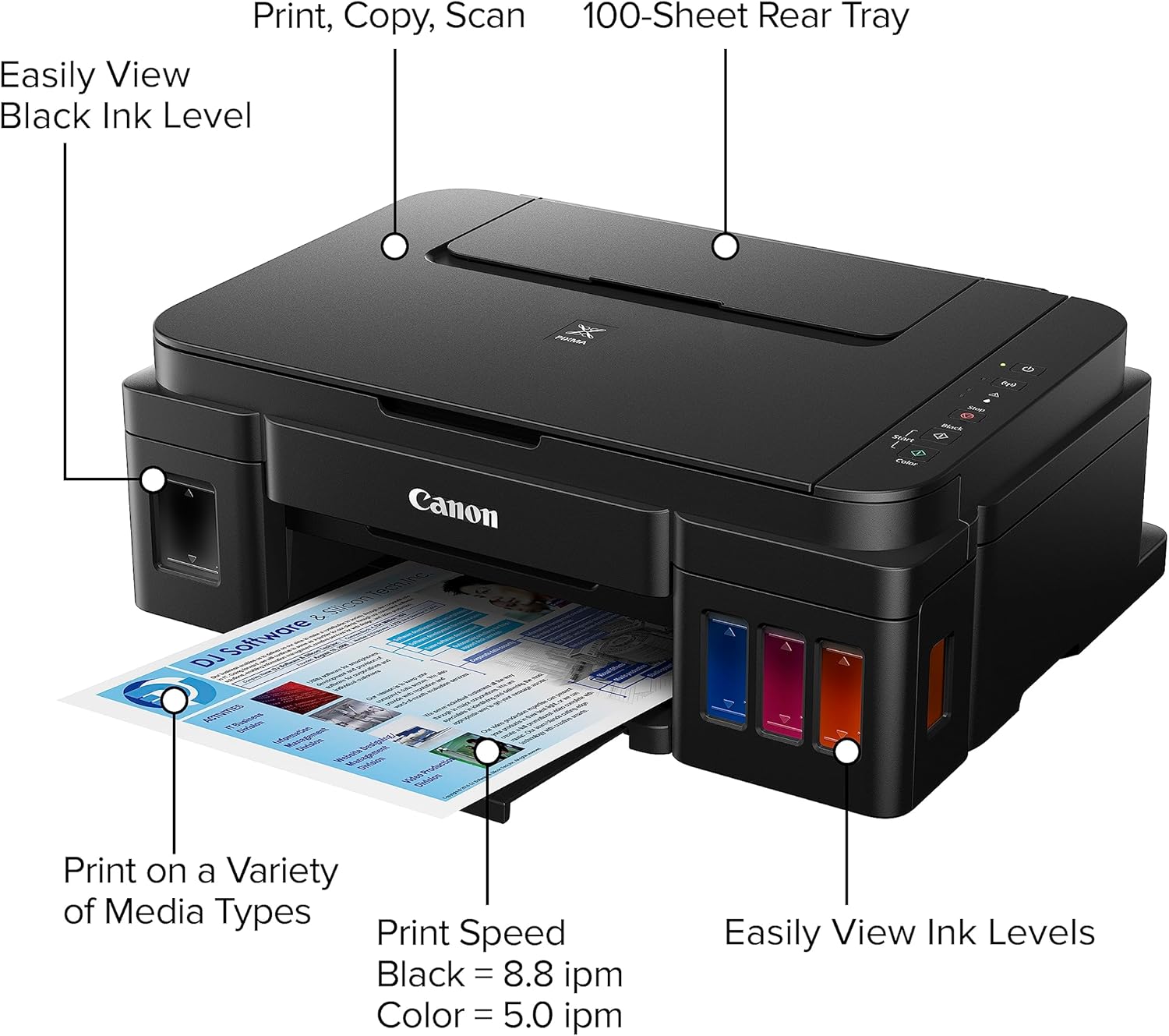
    Print cartridge free and easily keep tabs on ink levels with front mounted reservoirs.

    Canon Supertank

    Cost-Effective Printing

    Print up to 6,000 crisp black pages / 7,000 magnificent color pages(1). That’s equivalent to 30 standard ink cartridges!(2)

    Canon Supertank

    Easy-To-Refill

    Be mess free with the Megatank’s ink bottles. Simply screw off the cap and squeeze the bottle to pour the ink into the tank.

    Canon Supertank

    Document & Borderless Photo Printing

    Enjoy the increase in print volume without sacrificing high-quality document & borderless photo prints. Print text-heavy documents to family photos using rich sharp blacks and bright, vivid colors.

    Canon Supertank

    Sharp Black Text

    Print detailed documents with Sharp Black Text from the pigment black ink.

    Canon Supertank

    Borderless Photos

    Print beautiful Borderless Photos(6) in (4”x6”, 5”x5”, 5”x7”, 8”x10”, 8.5”x11”)

    mobile printing

    Print on-the-go

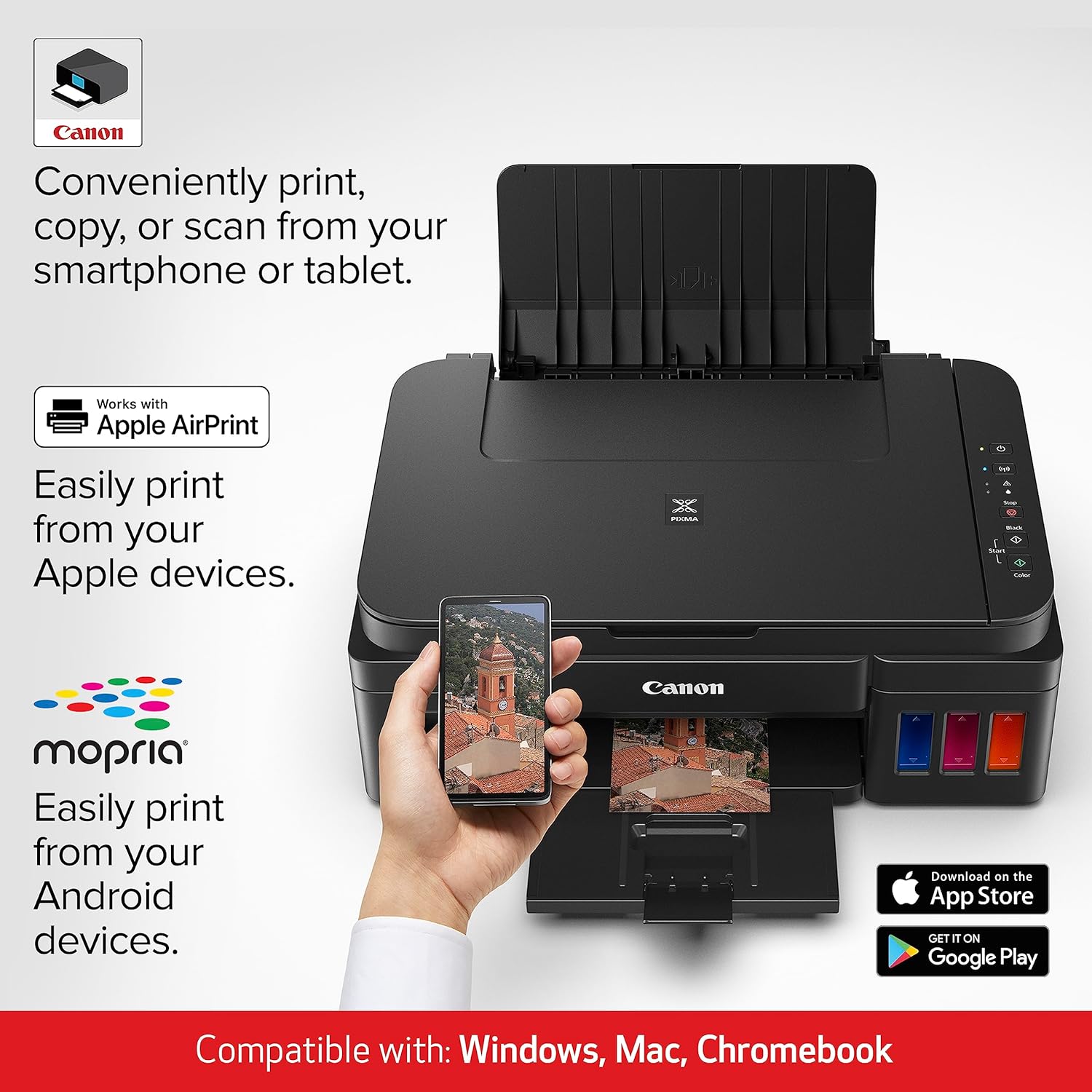
    Print using the Canon PRINT app and more.

    Canon Supertank

    Built in Wi-Fi(R)

    Print from any room in the house with Built In WI-FI(3).

    1. Page yield of included ink bottles used for initial setup is lower than the replacement ink bottles, as a certain amount of ink is consumed to fill into the print head during the setup (charging the print head initially). Page yield is the estimated value based on Canon individual test method using the ISO/IEC 24712 chart and continuous printing simulation with the replacement ink bottles after initial setup. Page yield of color inks is an average yield of cyan, magenta and yellow inks combined. Page yield varies significantly depending on content printed and other factors. Up to 6,000 (black) / 7,000 (color) printed page yields are approximate, based off document pages printed.

    2. 30 ink cartridge sets is based on print yield of the included black and color ink bottles as compared to the following standard-capacity cartridge sets: PG-245 Black Ink Cartridge and CL-246 Color Ink Cartridge as of August 2016.

    3. Wireless printing and scanning requires a working network with wireless 802.11b/g or n capability. Wireless performance may vary based on terrain and distance between the printer and wireless network clients.

    4. Requires an Internet Connection.

    5. Requires an Internet connection and the Canon PRINT Inkjet/SELPHY app, available for free on the App Store and at Google Play. Compatible with iPad, iPhone 3GS or later, and iPod touch 3rd generation or later devices running iOS 7.0 or later, and AndroidTM mobile devices running Android 2.3.3 or later. Your device must be connected to the same working network with wireless 802.11 b/g/n capability as your printer. Requires an compatible social media account and is subject to that social media account’s Terms of Service. Certain exceptions may apply.

    6. Requires an Internet connection and Google account. Subject to Google Terms of Service. Certain exceptions may apply.

    7. AirPrint functionality requires an iPad, iPhone 3GS or later, or iPod touch 3rd generation or later device running iOS 4.2 or later, and an AirPrint-enabled printer connected to the same network as your iOS device.

    8. Requires AndroidTM mobile device with AndroidTM 4.4 operating system or later with the Mopria Print Service pre-loaded with that device and the compatible PIXMA printer on the same wireless network. The Mopria experience is also available on AndroidTM 4.4 mobile devices with a download of the Mopria Print Service from Google Play.

    9. Document print speeds are the averages of ESAT in Office Category Test for the default simplex mode, ISO/IEC 24734. Photo print speed is based on the default setting using ISO/JIS-SCID N2 on Photo Paper Plus Glossy II and does not take into account data processing time on host computer. Print speed may vary depending on system configuration, interface, software, document complexity, print mode, page coverage, type of paper used etc. Copy speeds are the average of sFCOT and sESAT, ISO/IEC 29183. Copy speed may vary depending on document complexity, copy mode, page coverage, type of paper used etc. and does not take into account warming up time. See the Canon website for additional details.

  • Customer Reviews
    No comments